
Tool That Can Check Homework Answers and Explain Mistakes
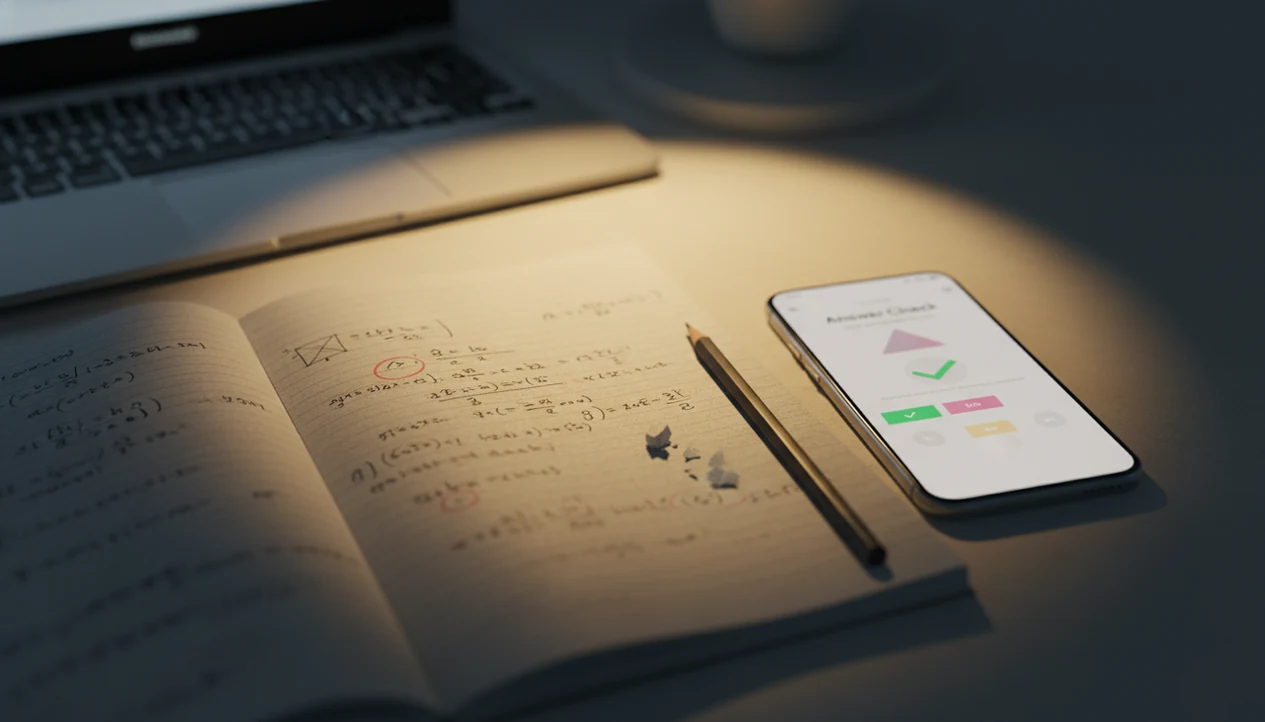
A tool that can check homework answers helps you verify your work, find mistakes, and understand the correct method before you turn in an assignment. A strong homework checker AI should show step-by-step reasoning, not just a final answer.
Definition: A homework checker AI is a web or mobile tool that reviews a typed, pasted, scanned, or photographed homework question and returns feedback on whether the answer is correct, where the reasoning went wrong, and how to solve it step by step.
TL;DR
- Use an AI answer checker after you try the problem yourself, not as a shortcut before thinking.
- Look for step-by-step explanations, error spotting, subject coverage, and photo upload support.
- Always verify important answers because AI tools can misread questions or produce confident mistakes.
HomeworkO is an AI homework helper that provides step-by-step answers, writing support, flashcards, and quizzes for students. For checking homework answers, it can help students compare their work with guided explanations, review errors, and practice the ideas behind the question.
Quick answer: A tool that can check homework answers should do more than mark responses right or wrong. The most useful checker identifies likely mistakes, shows step-by-step explanations, and helps you understand the method so you can fix similar problems on your own.
What a Homework Answer Checker Actually Does
A homework answer checker reviews your work and explains whether your answer, method, or reasoning is likely correct. The useful outcome is feedback, not an answer dump.
Students can type a question, paste text from an LMS, upload a photo, or scan a worksheet. A strong homework checker AI then checks correctness, points to likely mistakes, and explains the method in plain language. That matters when the assignment sheet is creased under a hoodie sleeve at 11:47 p.m. and the algebra is half-finished on lined paper.
Tools like HomeworkO are AI homework helpers that provide step-by-step answers, writing support, flashcards, and quizzes for students. Good ai homework helper that answers academic questions across subjects with step-by-step solutions via web and mobile app should deliver guided reasoning, not a replacement for doing the work.
7-Point Checklist for a Homework Checker AI
Use this checklist to judge whether an AI answer checker will actually help you learn. Weak tools only return a final line; stronger tools show where the reasoning changed.
| Check | Useful tool | Weak tool |
|---|---|---|
| Answer verification | Says whether your answer matches the problem | Gives a number with no context |
| Step-by-step explanation | Shows each move in order | Skips the method |
| Mistake diagnosis | Marks the likely wrong step | Says “incorrect” only |
| Subject range | Covers math, science, writing, humanities | Handles one narrow format |
| Image upload | Accepts clear photos or scans | Requires perfect typed input |
| Privacy | Explains data handling | Hides upload terms |
| Usage limits | States free limits or paywalls | Surprises you mid-assignment |
For students comparing tools, an AI homework helper with steps is often better than a final-answer checker because the explanation can be turned into practice.
When comparing HomeworkO with tools such as Photomath, Brainly, Chegg, or Google Lens, check whether the tool explains the mistake, shows the method, and fits your teacher’s rules instead of only returning a final answer.
Before You Use a Homework Answer Checker
Before you use a homework answer checker, make sure the assignment, your materials, and your upload are ready. The best setup keeps the tool in a feedback role instead of letting it take over the work.
- Check your teacher’s policy for this exact assignment, especially if the syllabus separates tutoring-style feedback from answer generation.
- Attempt the problem on your own first, even if you only get halfway through the equation, outline, lab question, or short response.
- Collect the rubric, textbook example, class notes, and any teacher-posted method before opening the checker so you can compare the output with what your class expects.
- Photograph the full page in good light if you are uploading an image, with every instruction, diagram, table, graph, and unit visible.
- Remove personal details before uploading, including your name, grade, school ID, teacher comments, or anything else that does not matter to the question.
This small prep step prevents most bad checks: missing directions, wrong methods, blurry symbols, and privacy oversharing.
How a Homework Checker AI Processes Questions and Answers
A homework checker AI works by capturing your input, interpreting the question, classifying the subject, generating a solution, comparing it with your answer, and returning an explanation. In plain terms, it reads the problem, tries a method, then explains the match or mismatch.
Large language models and related AI systems can reason through math, science, writing, and humanities prompts. They use pattern recognition, token prediction, and sometimes image interpretation. The layperson version: the tool predicts the next useful step based on the problem and its training.
Accuracy depends on the input. A sideways z-score table, faint pencil marks, missing diagrams, or a multi-part chemistry prompt can throw off the result. According to McKinsey’s 2023 analysis, about 30% of current hours worked in education could be automated with generative AI and related tools, including assignment feedback tasks source. Still, class policy comes first.
6 Steps for Using an AI Answer Checker Without Skipping Learning
Use an AI answer checker after your first real attempt. The goal is to diagnose reasoning gaps, not copy a finished response.
- Try the problem first, even if your work is messy or incomplete.
- Enter the question clearly, or photograph the full page with all instructions visible.
- Compare your answer with the tool’s explanation line by line.
- Review the mistake, especially the first step where your method split from the correct one.
- Redo the problem without looking at the AI output.
- Save the method in notes, flashcards, or a study guide for later practice.
That “check my homework answers” moment works best after effort. A copied final line disappears fast. A worked solution with crossed-out mistakes usually sticks longer.
Five Facts About Tools That Check Homework Answers
These five facts are the core of responsible homework checking. Parents and students should know them before using any tool.
- Modern tools can provide step-by-step explanations, not only final answers.
- Many tools support math, science, history, literature, languages, and writing.
- Many tools accept typed text, photos, screenshots, or PDFs.
- Accuracy varies by problem clarity, subject area, and tool quality.
- Responsible use means using the tool as feedback after doing your own attempt.
In a 2022 Pew Research Center survey, 58% of U.S. teens said they used the internet or digital tools to look up explanations for schoolwork they did not understand source. That fits what students already do: they look for an explanation when the class notes stop helping.
Best Homework Checker AI Features for Finding Mistakes
The best homework checker AI features for finding mistakes are the ones that expose the gap between your work and the correct method. A final-answer-only tool is less valuable because it hides the point where the reasoning broke.
Step-by-step reasoning: The tool should show each calculation, claim, or inference in order. This is where you check the reasoning, not just the final line.
Answer comparison: A useful checker compares your submitted answer against its solution. Units matter here, especially meters per second squared or moles per liter.
Highlighted error points: Strong feedback identifies the first likely wrong step.
Alternate explanations: Some students need a formula-based version; others need a verbal explanation.
Mobile photo upload and subject support: Tools like HomeworkO support step-by-step homework help across subjects via web and mobile app. EDUCAUSE reported in its 2021 Students and Technology Report that 70% of undergraduate students used digital learning tools weekly or more, so mobile access is not a small detail source.
Common Mistakes Students Make When Checking Homework Answers
The biggest mistake is asking the tool before trying the problem. That turns learning support into answer shopping, and it makes the next quiz harder.
Another common issue is trusting AI output as 100% correct. Don’t. AI can sound confident while using the wrong formula, missing a condition, or misreading a symbol. The pocket check is real.
Input quality also matters. A blurry worksheet photo, cropped instructions, or missing graph can produce a bad explanation. If your statistics z-score table is open sideways, rotate it before uploading.
Students also run into trouble when they ignore teacher-required methods. An answer can be mathematically correct and still fail the rubric. That happens often when a student toggles between a school LMS tab, a PDF rubric, and an AI explanation. Use the explanation, but show your work the way your class expects.
4 Checks for Verifying Homework Checker AI Answers Before Submitting
How should you verify homework checker AI answers before submitting? Redo the problem, compare it with class materials, inspect each reasoning step, and ask a human for high-stakes work.
- Redo the problem without looking at the AI response.
- Check the method against a textbook example or teacher-posted solution.
- Compare your original reasoning line by line with the AI explanation.
- Ask a teacher, tutor, or class-approved resource if the grade matters a lot.
Different valid solution paths may exist, especially in math, writing, and humanities. A paragraph draft with tracked edits may improve in several acceptable ways. The same is true for a geometry proof or history short answer. An OECD education brief noted that over 90% of 15-year-old students in participating countries had access to a digital device for schoolwork at home, which makes verification habits more important, not less source.
Limitations
AI homework checkers are useful, but they are not classroom authorities. Treat them as a second opinion and follow your teacher’s academic honesty rules.
- AI can confidently give wrong answers or flawed reasoning.
- Poor photo quality can cause the tool to misread numbers, symbols, labels, or handwriting.
- Diagrams, graphs, lab setups, and multi-part prompts can reduce accuracy.
- Overreliance can weaken independent problem-solving, especially before tests.
- Privacy matters when uploading schoolwork, names, grades, or personal information.
- Paywalls, usage limits, and limited free features can interrupt a study session.
- Some tools may not match a teacher-required method, even when the answer is correct.
- Writing feedback can help with clarity, but students must keep authorship and cite sources properly.
A kitchen-table parent moment says it plainly: Chromebook open, child stuck on fractions, parent saying, “I don’t remember this method.” The tool can help, but it should not become the only teacher.
What a Homework Answer Checker Actually Does
A homework answer checker reviews a question, your answer, or both, then gives feedback that can be used as formative assessment before you submit work. Depending on the subject, it may use OCR, optical character recognition, symbolic reasoning, language analysis, or worked examples to explain where your thinking went off track.
- Reads the problem: Many tools can scan typed text, screenshots, or handwriting using OCR and handwriting recognition, but messy images can still cause errors.
- Compares methods: A strong checker does not only compare final answers; it looks at the steps, units, definitions, reasoning, or evidence used.
- Explains mistakes: Step-by-step explanations reduce cognitive load by breaking a problem into smaller parts instead of giving only the final result.
- Supports learning: Good feedback connects to active recall, retrieval practice, and spaced repetition when you review missed concepts later.
- Varies by subject: Math tools may use symbolic reasoning, while writing tools may focus on clarity, grammar, evidence, structure, and academic integrity.
- Requires judgment: AI feedback should be checked against class notes, teacher instructions, and the exact format your assignment requires.
Which option fits which need
| Need | Best option |
|---|---|
| Check a math answer and understand the steps | HomeworkO for guided homework explanations; Photomath for camera-based math scanning; Wolfram Alpha for symbolic reasoning and advanced computations |
| Scan a question from a worksheet or textbook page | HomeworkO for general homework checking with explanations; Socratic for mobile question scanning; Photomath when the scanned work is mainly math |
| Review concepts after finding mistakes | HomeworkO for step-by-step help plus quizzes and flashcards; Quizlet for active recall, spaced repetition, and retrieval practice |
| Get additional solution references or textbook-style support | HomeworkO for learning-focused checking; Chegg for some textbook solution references; Wolfram Alpha for verifying calculations and formulas |
Common Mistakes Students Make When Checking Homework Answers
- Copying the corrected answer without reading the explanation, which skips the learning part of the check.
- Assuming the AI is always right instead of verifying the result with notes, examples, or another method.
- Uploading unclear photos, cropped questions, or missing directions, which can lead to incorrect OCR or incomplete feedback.
- Checking only the final answer and ignoring units, labels, rounding rules, domain restrictions, or required sentence format.
- Using a checker in a way that violates a teacher's academic integrity policy instead of using it for review and practice.
- Skipping retrieval practice after a mistake, even though trying a similar problem from memory is often what makes the correction stick.
Limitations to know
- AI answer checkers can misread handwriting, symbols, graphs, or diagrams, especially when the image is blurry or incomplete.
- Some problems have multiple valid methods, so a checker may mark a different approach as suspicious even when your reasoning is acceptable.
- Open-ended writing, proofs, lab explanations, and discussion questions may need teacher or rubric-based feedback, not just AI review.
- A checker may produce a confident but incorrect explanation, so important work should be verified before submission.
- School rules vary; students should follow teacher directions about when AI tools are allowed and how they must be cited or used.
A tool that can check homework answers is most helpful when it acts like a learning aid, not a shortcut: it should read the question, compare your work, explain mistakes, and help you practice the underlying skill. Use it before submitting assignments, while studying for quizzes, or when reviewing missed problems, but do not use it to bypass required thinking or violate class policy. HomeworkO supports this process with step-by-step explanations, writing help, flashcards, and quizzes so students can correct errors and build understanding.
FAQ
Can AI check homework answers?
Yes, AI can check many homework answers, but accuracy depends on the subject, question clarity, and input quality. Students should verify important answers before submitting them.
Is a homework checker cheating?
A homework checker is not automatically cheating. Using it for feedback after your own attempt is different from copying answers without doing the work.
What is a homework checker AI?
A homework checker AI is a tool that reviews typed, pasted, scanned, or photographed homework and explains correctness or mistakes. It can act as learning support when used after an attempt.
Can I scan homework questions?
Yes, many tools support photo or scan uploads. Clear images with full instructions improve the quality of the answer.
Does AI show homework steps?
Strong AI homework tools show step-by-step reasoning and explain likely error points. Final-answer-only output is less useful for learning.
Can AI check math homework?
Yes, AI can help check math homework, especially when it shows the method and verifies formulas, units, and assumptions. Students should redo the problem to confirm understanding.
Can AI check writing homework?
Yes, AI can review grammar, structure, clarity, and argument quality. Students should keep authorship, follow the rubric, and cite sources when required.
Are AI homework answers accurate?
AI homework answers can be useful, but they are not always accurate. Tools like Homework O should be treated as feedback sources, not final authorities.