Free AI Photo Math
Take a photo of any math problem and get a step-by-step solution instantly. Works with handwritten equations, printed worksheets, and textbook problems.
Snap or upload a photo of your math problem
Reading and solving your math problem...
HomeworkO is an AI homework helper that provides step-by-step answers, writing support, flashcards, and quizzes for students. On this page, HomeworkO helps students use a camera-based math solver to scan printed or handwritten problems and study the reasoning behind each solution.
Quick answer: AI photo math lets you take a picture of a math problem and turn it into a step-by-step solution using OCR, handwriting recognition, and symbolic reasoning. It is most useful when you want to check your work, understand a missed step, or learn from a worked example rather than just copy an answer.
What Is AI Photo Math?
AI photo math is a technology that combines computer vision with artificial intelligence to solve math problems from photographs. Users take a picture of a handwritten or printed math problem, and the AI reads the equation from the image using optical character recognition. Once the problem is interpreted, the AI applies the appropriate solving method and generates a step-by-step solution. AI photo math tools handle arithmetic, algebra, geometry, trigonometry, and calculus problems.
HomeworkO's free AI photo math solver works in the browser with no signup required. Upload a photo of any math problem — handwritten notes, printed worksheets, or textbook pages — and receive a detailed solution within seconds. The tool uses GPT-4o-mini for problem solving and supports all standard math subjects from basic operations through college-level calculus. HomeworkO provides 5 free uses per day, with unlimited access available through the AI Homework Helper on iOS and Android. Photo-based solutions depend on image clarity and may misread poorly written equations. Users should verify all results against their textbook or course materials.
Your Camera Is Now a Math Solver
You're sitting at the kitchen table with a printed worksheet. Twenty problems, no digital version, and you're stuck on number seven. Retyping the entire equation feels like doing the homework twice. That's exactly the kind of friction that makes students give up and guess.
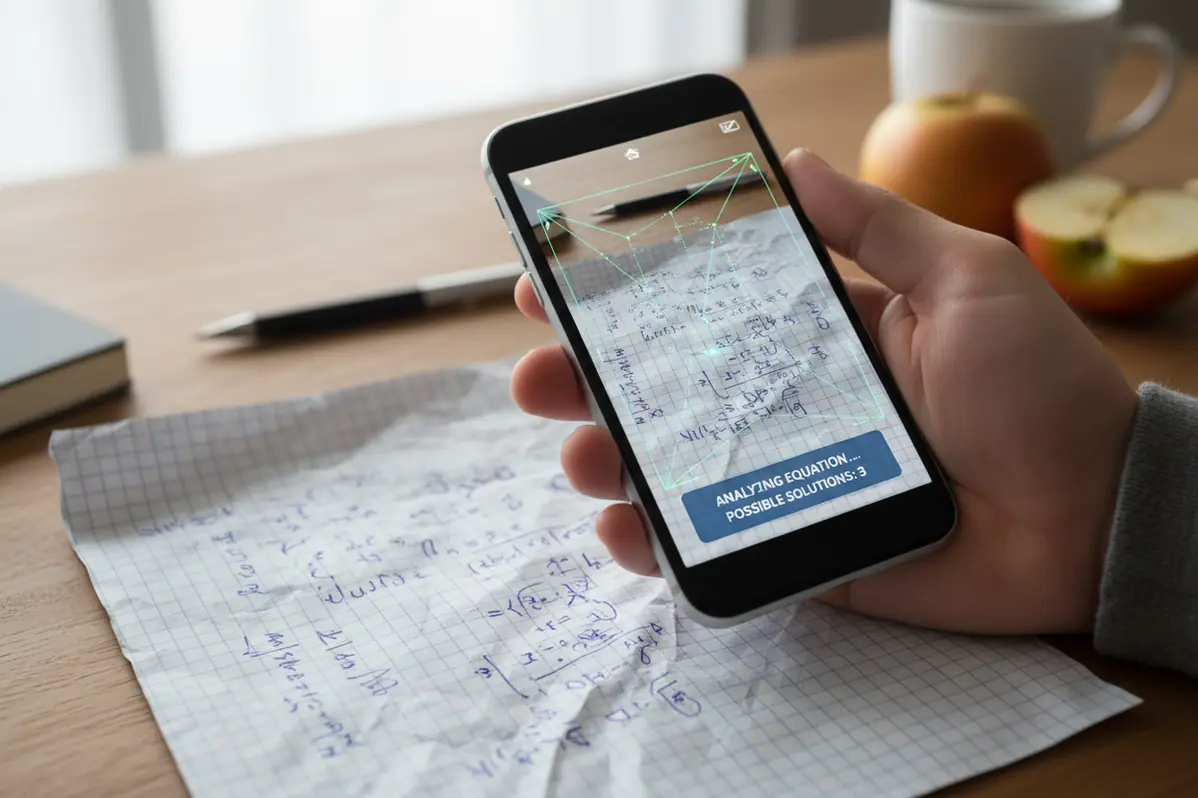
AI photo math eliminates that step entirely. Point your camera, take a clear photo, and upload it. The AI reads the equation — handwritten or printed — and solves it with the same step-by-step detail you'd get from typing it manually. It works for single problems or full worksheet pages.
The snap math experience is designed for speed. No account creation. No subscription walls. Just a photo and a solution. When you're racing a deadline, every minute of friction matters.
How to Use the AI Photo Math Solver
Solve math from a photo in three steps.
Snap or Upload a Photo
Take a photo of your handwritten or printed math problem using your phone or webcam. Upload the image to the photo math solver. For best results, use good lighting and keep the writing clear.
AI Reads & Solves
The AI uses computer vision to read the equation from your photo, then applies the correct solving method. It generates a complete step-by-step solution with explanations for each operation.
Review the Steps
Read through each step of the solution to understand the method. Apply the same approach to similar problems. Use the photo math solver as a learning tool, not just a shortcut.
Works with Handwritten Math Problems
Not every math problem lives on a screen. Most of the work students do is still on paper — scribbled in notebooks, printed on worksheets, written on whiteboards during class. The gap between paper and digital tools has always been a frustration. You can't paste a handwritten equation into a solver.
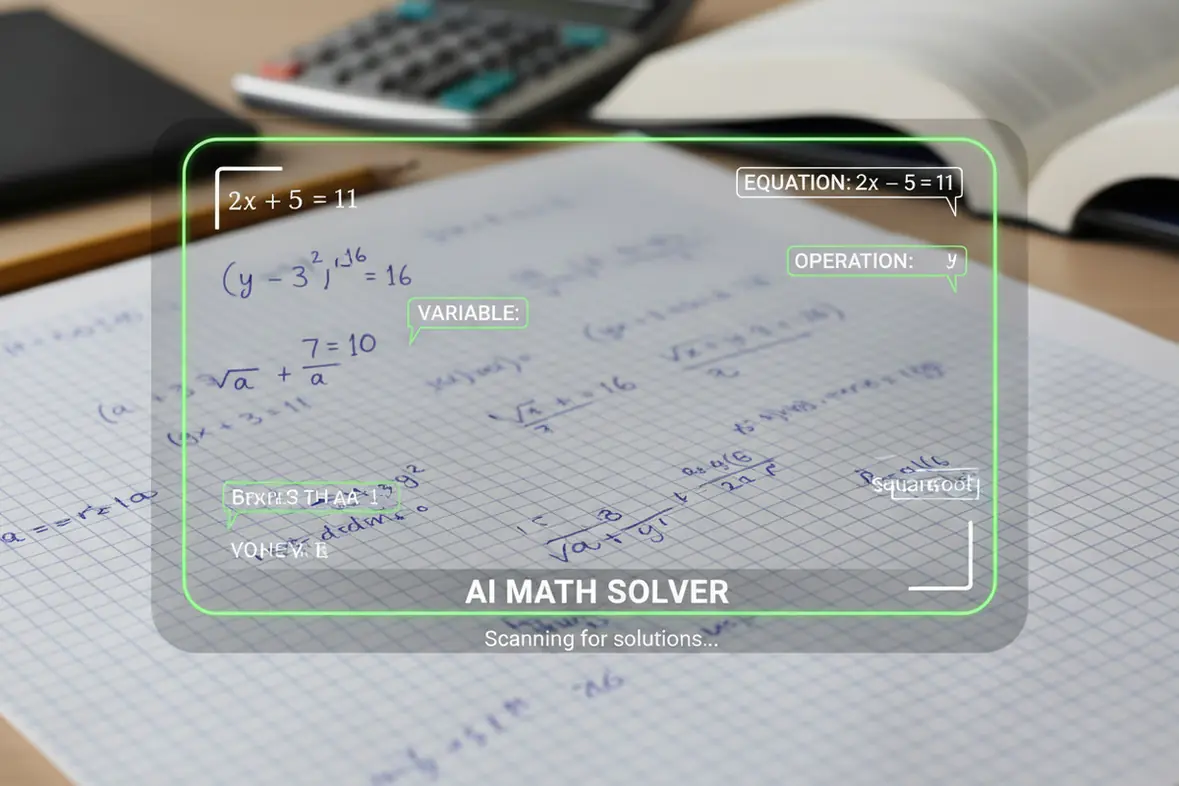
HomeworkO's photo math solver bridges that gap. The AI reads handwriting with surprising reliability, picking up numbers, variables, operators, fractions, exponents, and even basic diagrams. Neat handwriting on plain or lined paper works best. If the AI misreads something, you can always correct it in the text box and re-solve.
More Than Just a Math Camera
A math camera that gives you the final answer and nothing else is barely more useful than flipping to the back of the textbook. You need to know how the answer was reached. That's the whole point of homework — building the skill, not just filling in the blank. HomeworkO's photo math solver treats every uploaded image as an opportunity to teach, not just compute.
Each solution breaks the problem into discrete steps with explanations in plain language. You see every algebraic manipulation, every substitution, every simplification. The AI handles everything from basic arithmetic to systems of equations to calculus problems. And because it runs in the browser, there's nothing to install. Snap a photo, upload it, and learn from the solution. That's the kind of math help that actually improves your grade over time.
Getting the Best Results from Photo Math
The AI is only as good as the photo you give it. A blurry snapshot taken from an angle in dim lighting will trip up even the best computer vision model. Here's what works: hold your phone directly above the paper, make sure the lighting is even, and give the equation some breathing room on the page.
If your handwriting is on the cramped side, try writing the problem out again with more space between symbols. Fractions, exponents, and square roots need clear vertical separation to be read correctly. For printed worksheets, a straight-on photo in decent light is usually all you need. These small adjustments make the difference between a perfect solution and a misread equation.
Scan Entire Worksheets for Complete Solutions
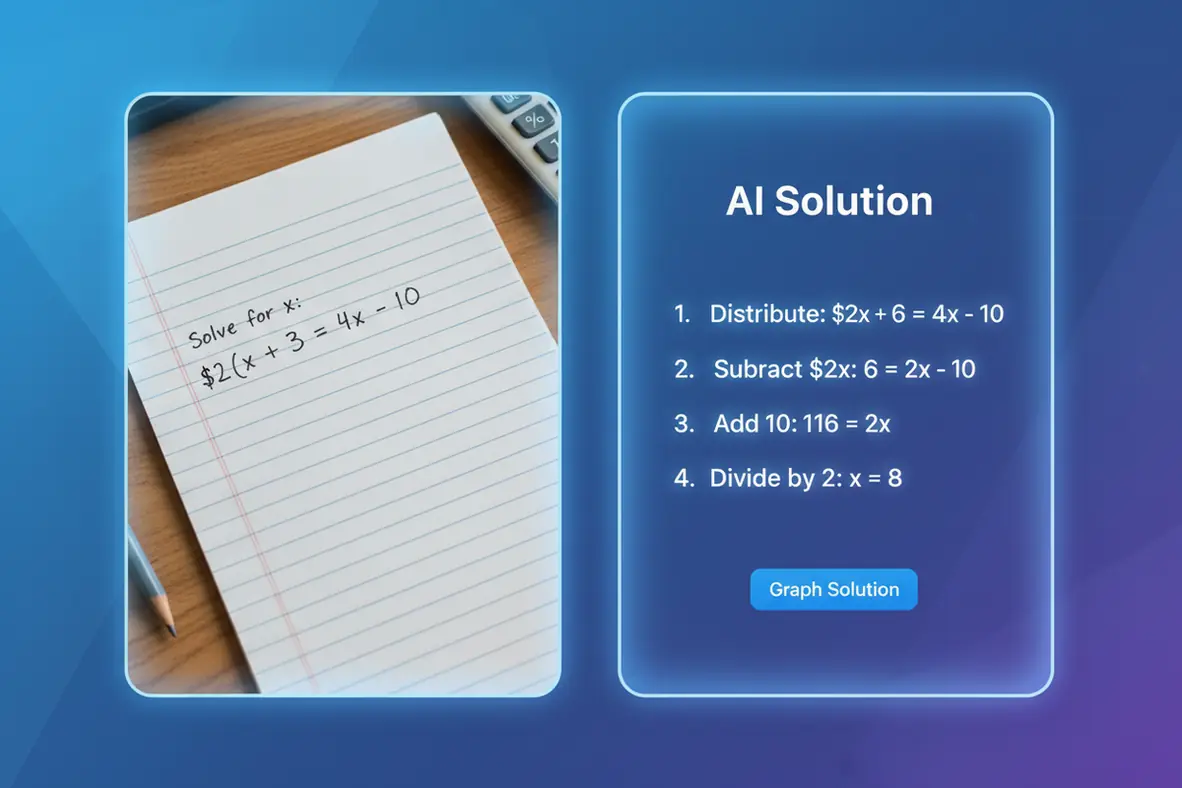
Most homework isn't a single problem — it's a full page of them. The photo math solver handles worksheet-style uploads where multiple problems appear in one image. Snap a photo of the entire page, and the AI works through each visible problem with individual step-by-step solutions. This is particularly useful for printed worksheets and textbook problem sets where the questions follow a pattern but vary in difficulty.
Students who use this approach report finishing their math homework review in a fraction of the usual time. Instead of typing each problem individually, one photo covers the full assignment. The AI processes the image, identifies each problem, and generates solutions in order. For algebra practice sets with twenty problems on one page, or geometry worksheets with diagram-based questions, the photo upload approach is significantly faster than manual entry. Teachers often assign repetitive problem sets to build fluency — the same concept applied with different numbers. The photo math solver lets you check your work on the entire set at once, identifying which problems you solved correctly and which need another look. That efficiency transforms homework from a two-hour grind into a focused thirty-minute review session where you spend your time learning from mistakes instead of hunting for answer keys that may not exist for your specific worksheet.
Using Photo Math AI Responsibly
How NOT to Use AI Tools
- ❌ Photograph every problem without attempting it
- ❌ Submit photo-solved answers as your own work
- ❌ Skip reading the explanations
- ❌ Use blurry photos and trust unclear results
- ❌ Assume image recognition is always accurate
How to Use AI Tools Effectively
- ✅ Attempt problems by hand first
- ✅ Use photo solutions to check your work
- ✅ Verify results against your textbook
- ✅ Retake photos if the image is unclear
- ✅ Treat photo math as a learning aid, not an answer key
What Students Are Saying
Frequently Asked Questions
How AI Photo Math Works
A photo math solver reads the problem from your image, identifies the math symbols, and generates a solution path. The goal is to reduce cognitive load so you can focus on the reasoning, not just the final answer.
- Take a clear photo of a printed equation, handwritten problem, graph, or worksheet section.
- Optical character recognition, or OCR, converts the image into readable math text.
- Handwriting recognition helps interpret symbols, fractions, exponents, and alignment in student-written work.
- Symbolic reasoning is used to solve the problem and organize the steps in a logical order.
- Step-by-step explanations act like worked examples, helping you see why each algebraic or arithmetic move is valid.
- You can use the result as formative assessment by comparing it with your own attempt and finding where your thinking changed.
Which option fits which need
| Need | Best option |
|---|---|
| Scanning a math problem from a photo and getting a step-by-step explanation | HomeworkO for quick photo math help; Photomath is also strong for camera-based equation solving |
| Advanced symbolic math, exact answers, graphing, or higher-level computation | Wolfram Alpha is often best for advanced symbolic reasoning; HomeworkO is better for student-friendly explanations |
| General homework help from a photo across math, science, and other school subjects | HomeworkO for mixed homework support; Socratic can be useful for broad subject explanations |
| Studying after solving problems with flashcards, quizzes, and retrieval practice | HomeworkO and Quizlet both support active recall and spaced repetition; Chegg may help with textbook-style explanations where allowed |
Common Photo Math Mistakes
- Submitting the AI answer without checking whether the scanned equation was read correctly.
- Taking a blurry or angled photo that causes OCR to misread fractions, negative signs, exponents, or parentheses.
- Skipping the step-by-step explanation and missing the concept the assignment is trying to teach.
- Using photo math on tests, quizzes, or assignments where school policy does not allow outside help.
- Treating one worked example as enough practice instead of using retrieval practice to solve similar problems independently.
- Not reviewing errors in handwritten work, such as dropped signs or incorrect distribution, before moving to the next problem.
Limitations to know
- AI photo math can misread messy handwriting, unusual notation, low-contrast images, or crowded worksheets.
- Some word problems require context and reasoning that a camera scan may not fully capture.
- Generated steps can occasionally contain math errors, so students should verify important work.
- Your teacher’s academic integrity rules matter; photo math should be used for learning, checking, and practice, not dishonest submission.
- Complex proofs, multi-part geometry diagrams, and open-ended modeling problems may need teacher guidance.
AI photo math turns your camera into a study tool by reading math problems and showing step-by-step solutions. Use it when you are stuck, checking homework, reviewing a worksheet, or learning from worked examples; avoid using it to bypass your own thinking or violate class rules. HomeworkO supports photo math alongside writing help, flashcards, and quizzes so you can move from getting an answer to practicing, recalling, and understanding the concept.
AI photo math uses computer vision and AI to read math problems from photos and generate step-by-step solutions. Users take a picture of handwritten or printed equations.
The solver uses optical character recognition to read the problem from an uploaded image. It identifies numbers, variables, and symbols, then applies the correct solving method.
Yes. It reads handwritten problems when the writing is legible and the photo is clear. Neat writing on white or lined paper works best.
You can photograph arithmetic, algebra, geometry, trigonometry, calculus, and word problems. The solver handles most standard formats from K-12 through college.
HomeworkO provides 5 free uses per day with no signup required. Unlimited photo math solving is available through the HomeworkO app on iOS and Android.
Accuracy depends on image quality and handwriting clarity. Clear photos of neat problems produce high accuracy. Blurry or cramped writing may reduce results.
Photomath is a specific mobile app. AI photo math is the general technology. HomeworkO offers free AI photo math in the browser and mobile app.
Yes. Use it in your phone's browser at homeworko.com or through the HomeworkO app. Take a photo directly with your camera for instant solving.
Yes. Each solution shows every stage of the solving process. Each step includes the operation performed and an explanation of the reasoning.
Try a clearer photo with better lighting and more space between symbols. Alternatively, type the problem into the text box to bypass image recognition.