Free AI Flashcard Maker
Generate study flashcards from your notes, textbooks, or any topic in seconds. The AI flashcard generator identifies key terms and creates ready-to-study flashcard sets.
Upload an image of your notes or textbook
Creating your flashcards...
HomeworkO is an AI homework helper that provides step-by-step answers, writing support, flashcards, and quizzes for students. On this page, HomeworkO helps students create AI-generated flashcards from study material so they can review faster and remember more effectively.
Quick answer: An AI flashcard maker turns notes, textbook passages, vocabulary lists, or topics into question-and-answer cards for active recall. Students can use it to build quick review sets, practice retrieval, and strengthen long-term memory with spaced repetition.
What Is an AI Flashcard Maker?
An AI flashcard maker is a tool that uses artificial intelligence to create study flashcards from academic material. Students provide notes, textbook passages, vocabulary lists, or a topic name, and the AI generates a set of flashcards with terms, questions, or concepts on one side and definitions, answers, or explanations on the other. The flashcard generator handles any academic subject and automatically identifies the most important information to include.
HomeworkO's free AI flashcard maker works directly in the browser with no signup required. It accepts typed input and uploaded images of handwritten notes or textbook pages. The AI uses advanced language models to extract key terms, definitions, and facts from the provided material and format them as study flashcards. Students get 5 free uses per day, with unlimited access available through the AI Homework Helper on iOS and Android. AI-generated flashcards extract key information from the material provided but may not cover every testable concept. Users should verify completeness against their course syllabus and supplement with additional study methods.
Why Flashcards Are Still the Best Memorization Tool
Flashcards have been around for centuries, and there's a reason they've survived every educational trend since. They work because they force active recall — you see the question, you have to produce the answer from memory before flipping the card. That retrieval process strengthens the neural pathway to the information far more effectively than re-reading ever does.
The barrier has always been making them. Writing out 50 flashcards by hand takes the better part of an evening. Typing them into an app isn't much faster. The AI flashcard maker eliminates that setup time entirely. Paste your notes, and you get a complete flashcard set in under 30 seconds. Now you can spend your time actually studying the cards instead of creating them.
The study flashcards the AI creates are focused on the highest-value information — the terms and concepts most likely to appear on an exam.
How to Use the AI Flashcard Maker
Create a flashcard set in three steps.
Input Your Study Material
Paste your class notes, textbook excerpts, vocabulary lists, or lecture content into the text box. You can also upload an image of your notes, or simply type a topic like "cell biology key terms" or "Spanish irregular verbs."
AI Generates Flashcards
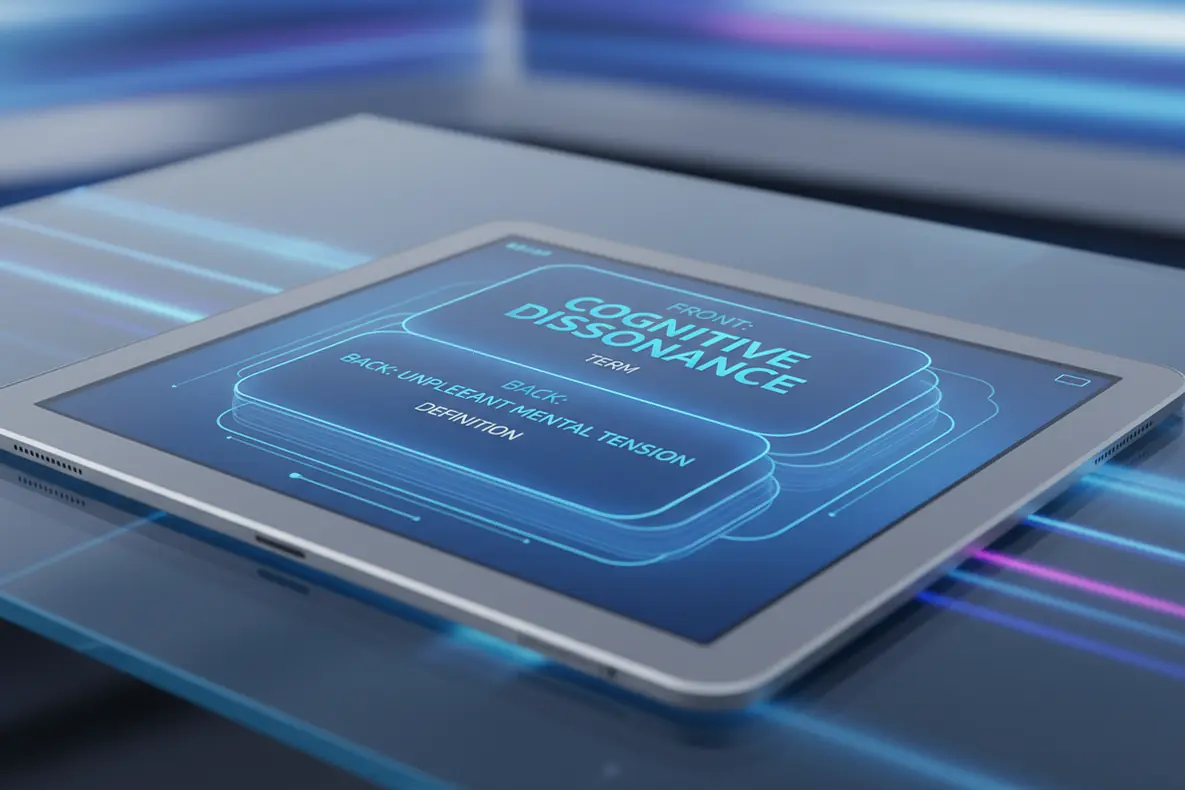
The AI flashcard generator identifies key terms, definitions, and concepts from your material and creates a complete flashcard set. Each card has a question or term on the front and the answer or definition on the back.
Study and Memorize
Work through the flashcard set, testing yourself on each card. Focus on the cards you get wrong and review them multiple times. Use spaced repetition by revisiting the set over several days for maximum retention.
Flashcards for Every Subject and Study Goal
The AI flashcard maker adapts to whatever you're studying. Biology students get flashcards with organelle functions and process stages. History students get cards with dates, events, and cause-and-effect relationships. Language learners get vocabulary pairs with translations. Chemistry students get element properties, reaction types, and formula definitions.
The flashcard generator also adjusts to the level of detail in your input. A broad topic like "American government" produces overview cards covering the branches, the Constitution, and key amendments. Detailed notes from a specific lecture produce focused cards targeting exactly what was covered that day. Study flashcards work for weekly quizzes and final exams alike — just match the input to the scope of what you need to know.

Study Flashcards for Vocabulary and Language Practice
Vocabulary acquisition is where flashcards truly shine. Whether you're learning Spanish, French, Japanese, or any other language, the AI flashcard maker creates vocabulary cards with the target word, its translation, and contextual usage. Provide a word list, a reading passage, or a chapter theme, and get a flashcard set you can drill immediately.
Language flashcards aren't limited to single-word translations. The AI can create cards that test conjugation patterns, grammatical structures, idiomatic expressions, and reading comprehension. A set of flashcards generated from a French reading passage might include vocabulary words, grammar points from the text, and comprehension questions. This multi-layered approach builds both vocabulary and structural understanding simultaneously.
Pair Flashcards with Quizzes and Study Guides
Flashcards handle memorization. But memorization alone doesn't prepare you for every exam question. Pair the AI flashcard maker with the study guide maker for conceptual understanding and the quiz generator for practice testing. Together, these three tools cover the full spectrum of what exams measure.
Start by generating a study guide to understand the big picture. Then create flashcards for the key terms and definitions. Finally, take a practice quiz to test how well everything fits together. This approach — understand, memorize, test — is the study strategy that researchers recommend and that top students actually use. All three tools work from the same notes, so you can build a complete study session in under five minutes.
How Spaced Repetition with AI Flashcards Improves Retention
Creating the flashcard set is step one. Using it effectively is where the actual learning happens, and the difference between cramming and real retention comes down to spacing. Reviewing the same cards over multiple days — instead of grinding through them once the night before — dramatically improves how much you remember on test day. Cognitive science calls this spaced repetition, and it's one of the most well-documented study techniques in educational research.
Here's how it works in practice with AI-generated flashcards. Day one: generate the flashcard set from your notes and go through it once, marking which cards you already know and which ones stumped you. Day two: review only the cards you got wrong, plus a quick pass through the ones you knew. Day three: test yourself on the full set again. By exam day, the terms that used to feel unfamiliar are locked in because your brain had to retrieve them multiple times across different sessions. The AI flashcard maker handles the creation work so you can invest your time in the retrieval practice that actually builds memory. This method works for vocabulary drills, science terminology, historical dates, formula definitions, and any subject that requires memorizing a body of factual knowledge for an upcoming assessment.
Using AI Flashcard Makers Responsibly
How NOT to Use AI Tools
- ❌ Memorize flashcards without understanding the concepts
- ❌ Assume AI flashcards cover every testable term
- ❌ Skip topics that aren't included in the generated set
- ❌ Use flashcards as your only study method
- ❌ Rely on passive re-reading instead of active recall
How to Use AI Tools Effectively
- ✅ Test yourself with active recall, don't just flip and read
- ✅ Compare flashcard topics against your course syllabus
- ✅ Add your own cards for material the AI missed
- ✅ Combine flashcards with practice problems and summaries
- ✅ Treat AI flashcards as a starting point for review
What Students Are Saying
Frequently Asked Questions
How to Use the AI Flashcard Maker
AI flashcards work best when they convert study material into clear prompts that make you recall information instead of simply rereading it. A good set should include definitions, examples, comparisons, and application questions at different levels of Bloom's taxonomy.
- Paste notes, textbook excerpts, vocabulary terms, or a topic, then ask the tool to generate flashcards with concise questions and answers.
- Use OCR, or optical character recognition, when available to turn printed worksheets or textbook pages into editable study content; handwriting recognition may help with written notes but should be checked carefully.
- Review each card for accuracy, missing context, and wording that may be too vague or too easy.
- Mix card types: definition cards, example cards, process cards, cause-and-effect cards, and short application prompts.
- Study with active recall by answering before flipping the card, then mark whether you knew it, guessed it, or missed it.
- Use spaced repetition by reviewing difficult cards more often and easy cards less often to reduce cognitive load and improve retention.
Which option fits which need
| Need | Best option |
|---|---|
| Create flashcards from notes, topics, or study guides and pair them with quizzes or step-by-step explanations | HomeworkO |
| Practice large existing flashcard decks, vocabulary lists, and class-shared study sets | Quizlet |
| Solve math or science problems with symbolic reasoning, graphs, and computational detail before turning results into study cards | Wolfram Alpha |
| Use a camera-based homework helper for math worksheets or printed problems, then review the concepts with worked examples | Photomath or Socratic |
Common Flashcard Mistakes to Avoid
- Making cards that are too broad, such as 'Explain the Civil War,' instead of focused prompts like 'What was one economic cause of the Civil War?'
- Only rereading cards instead of using retrieval practice by answering from memory first.
- Accepting AI-generated cards without checking facts, formulas, dates, spelling, or whether the answer matches your class notes.
- Studying only definitions and skipping application, comparison, and explanation questions that build deeper understanding.
- Creating too many cards at once, which increases cognitive load and makes review sessions harder to finish.
- Using flashcards to memorize answers for graded work instead of learning concepts in a way that follows academic integrity rules.
Limitations to know
- AI can misunderstand source material, especially if the notes are incomplete, poorly scanned, or handwritten unclearly.
- OCR and handwriting recognition may confuse symbols, subscripts, punctuation, or similar-looking letters, so math and science cards need extra review.
- Flashcards are strong for memorization and retrieval practice, but they do not replace worked examples, essays, labs, or full problem-solving practice.
- Some schools restrict AI use, so students should follow teacher instructions and cite or disclose AI assistance when required.
- Generated cards may be too simple unless you ask for higher-level prompts such as compare, justify, predict, or apply.
An AI flashcard maker helps students turn study material into focused review cards for active recall, spaced repetition, and quick formative assessment before quizzes or tests. Use it when you need to memorize vocabulary, formulas, facts, processes, or key ideas, but do not rely on it as your only study method for complex writing, multi-step math, or lab-based reasoning. HomeworkO supports flashcards alongside quizzes, writing help, and step-by-step explanations so students can connect memorization with understanding.
An AI flashcard maker uses artificial intelligence to create study flashcards from notes or topics. Users provide material and the AI generates term-definition pairs.
The AI analyzes your input, identifies key terms and concepts, and creates flashcard pairs. Each card has a question or term on front and answer on back.
HomeworkO offers 5 free uses per day with no signup. For unlimited access, the HomeworkO app is on iOS and Android.
Yes. Paste your notes, textbook excerpts, or lecture summaries. The AI reads the content and generates flashcards from key terms and concepts.
The AI typically generates 8 to 20 flashcards per request. Submit follow-up requests for additional sets.
It works with all academic subjects including math, science, history, literature, languages, economics, and computer science.
Yes. Upload images of textbook pages, notes, or lecture slides. The AI reads the content and generates flashcards from the material.
Yes. Flashcards use active recall which strengthens memory. AI identifies key terms and concepts for focused exam preparation.
Flashcards are question-answer pairs for active recall and memorization. Study guides present information in narrative format for understanding context.
Yes. Provide word lists, passages, or topics. The AI creates vocabulary cards with target language on one side and translation on the other.