Free AI Quiz Generator
Create practice quizzes for any subject in seconds. Paste your notes or name a topic and the AI quiz maker generates multiple choice and short answer questions with correct answers.
Upload an image of your study material
Creating your practice quiz...
HomeworkO is an AI homework helper that provides step-by-step answers, writing support, flashcards, and quizzes for students. On this page, the AI quiz generator helps students turn class material into multiple choice, short answer, and review questions for more effective studying.
Quick answer: An AI quiz generator creates practice questions from a topic, notes, textbook section, or study guide so students can test what they actually remember. It is most useful for active recall, retrieval practice, and exam review because answering questions reveals gaps that rereading often hides.
What Is an AI Quiz Generator?
An AI quiz generator is a tool that uses artificial intelligence to create practice quizzes from any academic topic or set of study materials. Students provide notes, a textbook passage, or a topic name, and the AI produces a complete quiz with questions, answer choices, and correct answers. The quiz maker supports multiple choice, true/false, short answer, and fill-in-the-blank formats, adapting the question type to the subject matter.
HomeworkO's free AI quiz generator runs in the browser with no account required. It accepts both typed input and uploaded images of notes or textbook pages. The tool uses advanced language models to identify the most testable concepts in the material and create quiz questions that assess genuine understanding. Students get 5 free uses per day, with unlimited access available through the AI Homework Helper for iOS and Android. AI-generated quizzes may not match the exact format or scoring criteria used by instructors. Users should treat practice quizzes as supplementary study tools, not as substitutes for official exam preparation materials.
Practice Quizzes Are the Most Effective Study Tool
Decades of research on learning and memory converge on one finding: testing yourself on material produces better long-term retention than re-reading, highlighting, or summarizing. It's called the testing effect, and it's one of the most replicated findings in educational psychology. The problem is that creating your own practice quizzes is tedious, and most textbooks don't include enough practice questions.
The AI quiz generator solves that problem in seconds. Give it a topic or paste your notes, and you get a complete practice quiz with answer keys. You can take the quiz immediately, check your answers, and identify exactly which concepts you've mastered and which need more work. That feedback loop — test, check, review — is the core of effective studying.
It's not about studying harder. It's about studying in a way that your brain actually retains information.
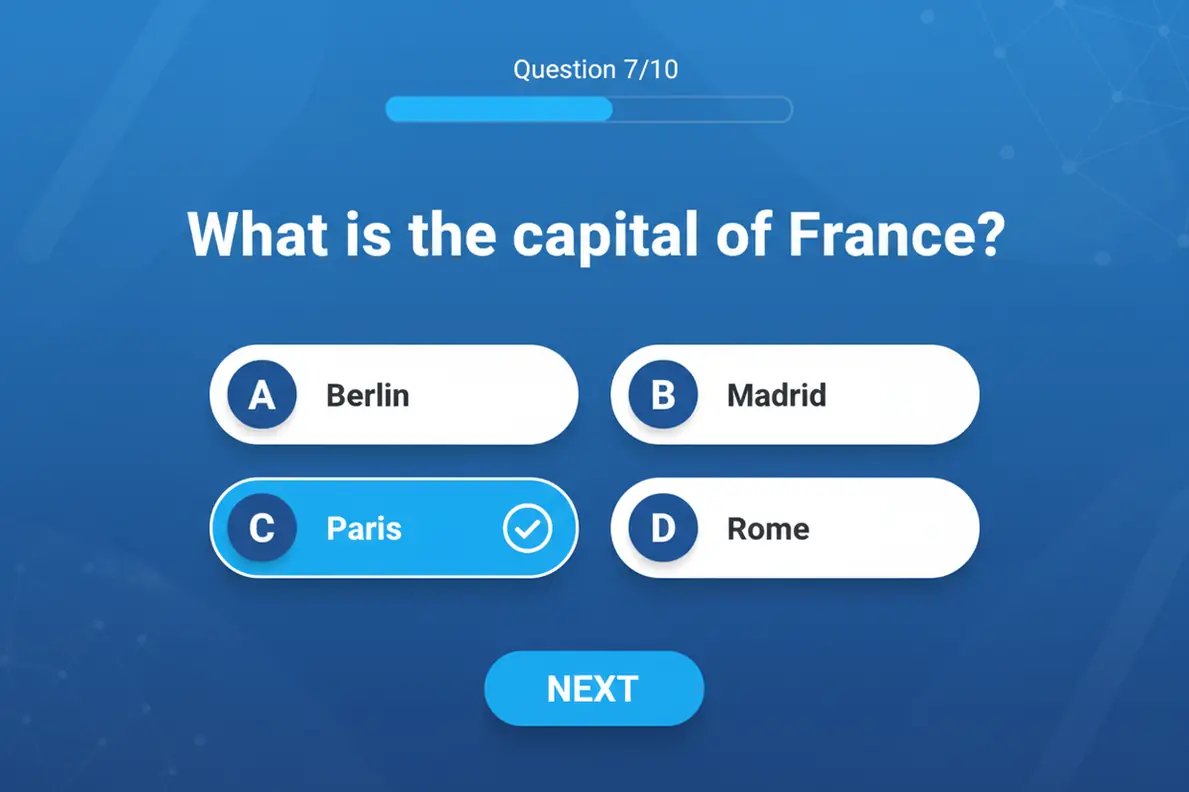
How to Use the AI Quiz Generator
Create a practice quiz in three steps.
Choose Your Topic
Type a topic name like "American Revolution" or paste your class notes and textbook excerpts. You can also upload a photo of your study material. The AI works with any subject and any amount of input.
AI Creates Your Quiz
The AI quiz maker analyzes the material, identifies the key facts and concepts, and generates a complete quiz with multiple choice, true/false, and short answer questions. Each question includes the correct answer and a brief explanation.
Take the Quiz and Review
Work through the questions, check your answers, and review the explanations for any you got wrong. Use the results to focus your remaining study time on the topics that need the most attention.
Simulate the Real Exam Before You Take It
There's a reason athletes scrimmage before the game. Taking a practice quiz puts you in testing conditions — you have to retrieve information from memory, make decisions under light pressure, and demonstrate understanding without your notes in front of you. That experience reduces test anxiety because the format feels familiar when the real exam arrives.
The AI quiz generator creates quizzes that mirror common exam formats. Multiple choice questions test factual recall and concept recognition. Short answer questions test your ability to explain ideas in your own words. Together, they give you a realistic preview of how the exam will feel and where your preparation stands. Create a quiz AI the night before, take it timed, and you'll walk into the real test with a clear picture of your readiness.
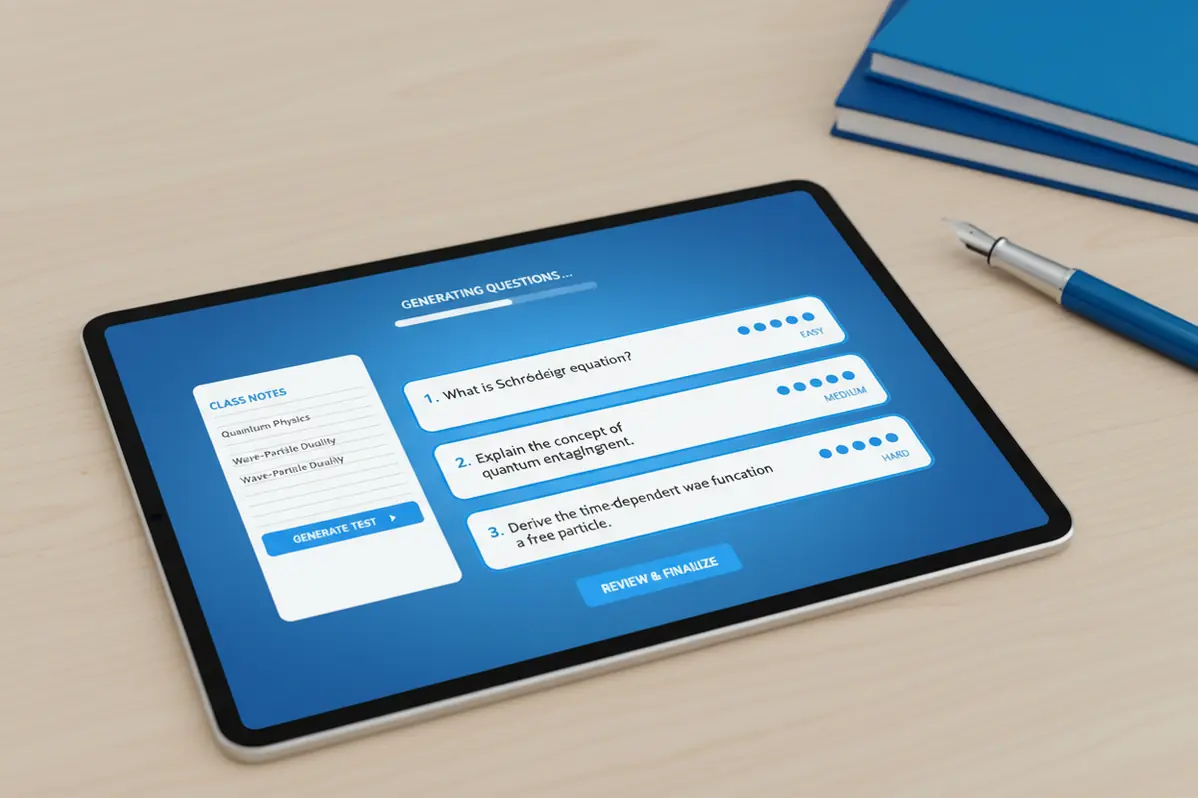
Teachers Create Quizzes in Minutes, Not Hours
Building a quiz from scratch means writing questions, creating plausible wrong answers, organizing the format, and writing an answer key. For a 15-question quiz, that can easily take an hour or more. The AI quiz generator compresses that process into seconds. Input the lesson content or topic, and get a ready-to-use quiz with questions, options, and correct answers.
Educators use it for pop quizzes, weekly review assessments, exam review sessions, and homework practice. The variety of question types means you can generate a quiz that matches your assessment style. Adjust the output by providing more or less detail in the input — a broad topic produces general review questions, while specific notes produce targeted questions on exactly what you taught.
Combine Quizzes with Flashcards and Study Guides
A practice quiz tells you what you know and what you don't. But it doesn't teach you the material you missed. That's where the rest of HomeworkO's tools come in. Start with the study guide maker to learn the material. Use the flashcard maker to memorize key terms. Then take a practice quiz to test everything together.
This cycle of learn-memorize-test is what educational researchers call spaced retrieval practice, and it's the gold standard for exam preparation. Each tool handles a different part of the process, and you can generate all three — study guide, flashcards, and quiz — from the same set of notes in under five minutes.

Why Self-Testing Outperforms Rereading Every Time
Most students default to rereading their notes when studying. It feels productive because the material looks familiar after a second or third pass. But recognition isn't the same as recall, and exams test recall. You need to produce answers from memory, not just nod along when you see them. That's why self-testing with practice quizzes consistently outperforms passive review in controlled studies — the retrieval effort itself strengthens the memory trace in ways that rereading cannot.
The AI quiz generator makes self-testing effortless. Instead of spending twenty minutes writing your own practice questions — a process that often skews toward the material you already know — the quiz maker identifies the most testable concepts from your notes and creates balanced assessments covering the full scope of the material. The questions target different levels of understanding: factual recall for definitions and dates, application for problem-solving scenarios, and analysis for questions that require comparing or evaluating concepts. Taking a practice quiz two days before the exam and one day before gives you two cycles of retrieval practice on the material that matters most. Students who adopt this quiz-based study approach report lower test anxiety because they've already experienced the format, identified their weak spots, and addressed them before walking into the exam room.
Using AI Quiz Generators Responsibly
How NOT to Use AI Tools
- ❌ Assume AI quizzes cover every testable topic
- ❌ Skip questions you get wrong without reviewing them
- ❌ Use only AI quizzes and ignore official study materials
- ❌ Share AI-generated quizzes as if they're official practice exams
- ❌ Rely on quiz scores as a guarantee of exam performance
How to Use AI Tools Effectively
- ✅ Compare quiz topics against your course syllabus
- ✅ Review explanations for every question you miss
- ✅ Supplement with instructor-provided practice exams
- ✅ Generate quizzes from your own notes for targeted review
- ✅ Treat AI quizzes as one part of a broader study plan
What Students Are Saying
Frequently Asked Questions
How to Use the AI Quiz Generator
A quiz generator works best when you give it clear source material and then use the results as a formative assessment, not just as a quick answer key. The goal is to practice recall, check understanding, and decide what to study next.
- Enter a topic, paste notes, upload study material, or describe the exam focus so the quiz matches what you are learning.
- Choose a question style such as multiple choice, short answer, vocabulary, mixed review, or concept-check questions.
- Ask for different difficulty levels based on Bloom's taxonomy, such as remembering definitions, applying formulas, or analyzing a passage.
- Take the quiz before looking at explanations so you get the benefits of retrieval practice and active recall.
- Review missed questions with step-by-step explanations, worked examples, or flashcards to reduce cognitive load.
- Repeat the quiz later using spaced repetition so you strengthen memory instead of only recognizing familiar answers.
Which option fits which need
| Need | Best option |
|---|---|
| Generate practice quizzes from notes, topics, or study guides | HomeworkO for mixed quiz practice with explanations; Quizlet is also useful for flashcards and quick review sets |
| Solve math problems before turning them into quiz questions | Photomath for camera-based math help and handwriting recognition; HomeworkO for combining step-by-step explanations with quiz review |
| Check advanced math, symbolic reasoning, or exact computations | Wolfram Alpha for symbolic reasoning and technical math verification; HomeworkO for student-friendly practice questions |
| Get broader homework support across subjects | Socratic for quick concept help, Chegg for textbook-style support, and HomeworkO for quizzes, flashcards, writing help, and step-by-step study tools in one workflow |
Common Mistakes When Using AI Quiz Generators
- Only rereading the generated questions instead of taking the quiz from memory, which weakens the benefits of active recall.
- Using questions that are too easy, so the quiz measures recognition instead of real understanding.
- Skipping explanations for missed answers instead of studying the underlying concept or worked example.
- Generating questions from vague prompts, which can lead to broad or inaccurate quizzes that do not match the class exam.
- Trusting every AI answer without checking notes, textbooks, teacher instructions, or official answer keys.
- Using generated quizzes to avoid learning rather than to practice responsibly within academic integrity rules.
Limitations to know
- AI-generated quiz questions can contain wording errors, weak distractors, or incorrect answer keys, so students should verify important material.
- A quiz generator may not know your teacher's exact exam style unless you provide examples, rubrics, or class-specific details.
- OCR and optical character recognition can misread images, handwriting, symbols, or tables, especially in math and science notes.
- Multiple choice questions are helpful, but they may not fully prepare you for essays, proofs, lab explanations, or multi-step problem solving.
- School policies vary, so students should use AI quizzes as a study aid and not as a substitute for assigned work.
An AI quiz generator turns study material into practice questions that support active recall, retrieval practice, and exam preparation. Students should use it before tests, after reading notes, or when they need a quick formative assessment of what they know; they should not use it to replace classwork, ignore teacher directions, or accept answers without checking. HomeworkO helps by pairing quizzes with explanations, flashcards, writing support, and step-by-step study tools so review becomes more active and organized.
An AI quiz generator uses artificial intelligence to create practice quizzes from a topic or notes. Users provide material and the AI generates questions with answer options and correct answers.
The AI analyzes your input, identifies key concepts, and creates quiz questions with answer options. Format and difficulty adapt to the subject and detail provided.
HomeworkO offers 5 free uses per day with no signup. For unlimited access, the HomeworkO app is on iOS and Android.
It creates multiple choice, true/false, short answer, and fill-in-the-blank questions. Type depends on subject and content being tested.
Yes. Paste your notes, textbook excerpts, or lecture content. The AI reads the material and generates quiz questions from key concepts.
Each quiz typically has 5 to 15 questions. Submit follow-up requests for more quizzes on the same topic.
Yes. Each question includes the correct answer and a brief explanation. Students can check work and learn from mistakes.
Yes. Teachers use it for practice quizzes, homework, and review materials. The tool reduces preparation time significantly.
It covers all academic subjects including math, science, history, literature, economics, and computer science.
Yes. Upload images of textbook pages, notes, or lecture slides. The AI reads the content and generates quiz questions.