Free AI Question Generator
Generate practice questions for any subject or topic in seconds. Paste your notes or describe a topic and the AI question maker creates study questions instantly.
Upload an image of your study material
Creating practice questions...
HomeworkO is an AI homework helper that provides step-by-step answers, writing support, flashcards, and quizzes for students. On this page, the AI question generator helps students create targeted practice questions for any subject, difficulty level, or review format.
Quick answer: An AI question generator creates practice questions from a topic, notes, textbook section, or study goal so students can test what they know before an exam. HomeworkO can help turn a subject into review questions, quizzes, and follow-up explanations so studying becomes active recall instead of passive rereading.
What Is an AI Question Generator?
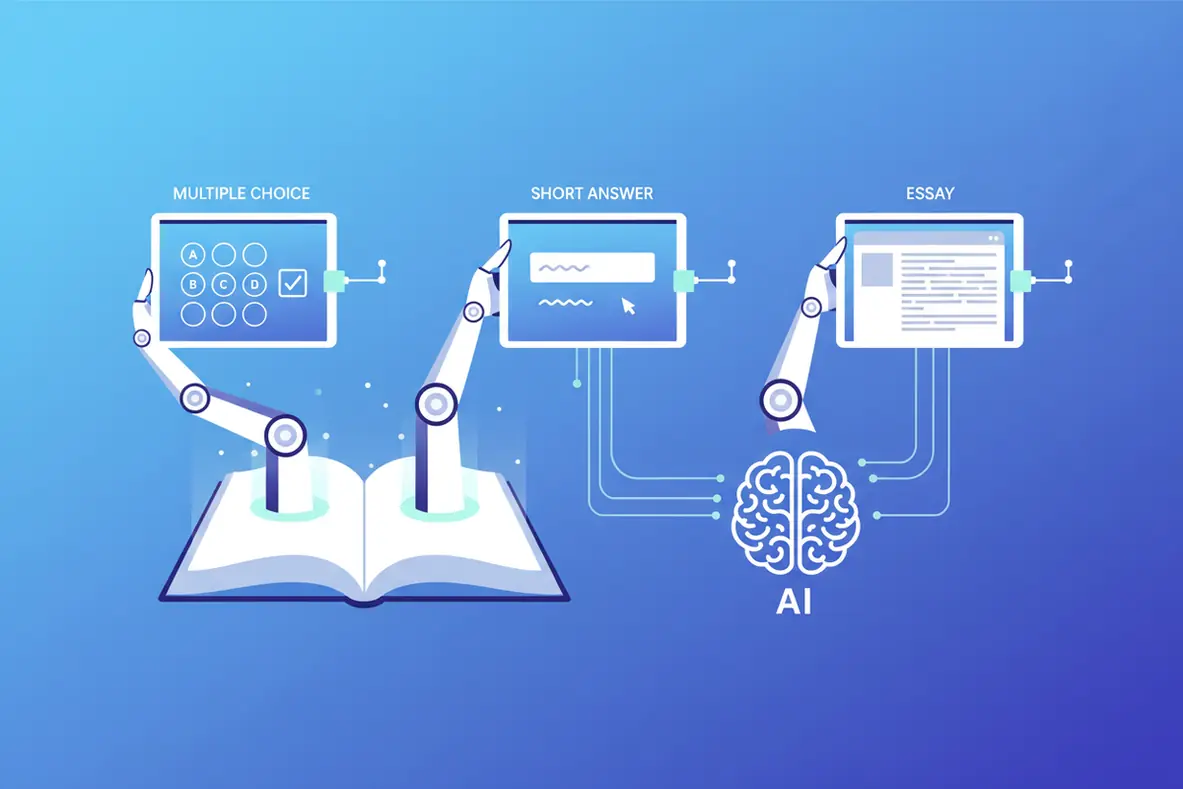
An AI question generator is a tool that uses artificial intelligence to create practice questions from any topic, textbook chapter, or set of notes. Students provide the source material or simply name a topic, and the AI produces a set of relevant questions designed to test comprehension and recall. The question maker generates multiple question types including multiple choice, short answer, true/false, and open-ended discussion questions.
HomeworkO's free AI question generator works in the browser with no signup required. It accepts typed descriptions, pasted notes, and uploaded images of textbook pages or handwritten material. The AI identifies the key concepts in the input and creates questions that target the most important information. Students get 5 free uses per day, with unlimited access through the AI Homework Helper on iOS and Android. AI-generated questions may not perfectly match the format or difficulty level of actual exam questions. Users should treat them as supplementary practice, not as a substitute for official review materials.
The Best Way to Study Is to Test Yourself
Research on learning science is pretty clear on this: re-reading your notes is one of the least effective study methods. Active recall — testing yourself on the material — is one of the most effective. The problem is that making your own practice questions takes almost as long as studying itself, and most students skip it entirely.
The AI question generator removes that barrier. Feed it your notes or a topic name, and you get a set of practice questions in seconds. Now you can spend your study time actually answering questions instead of writing them. This is the difference between students who feel prepared and students who actually are prepared.
The questions target the concepts that matter most, forcing you to retrieve information from memory rather than passively recognize it on a page. That retrieval practice is what builds the neural pathways you need on exam day.
How to Use the AI Question Generator
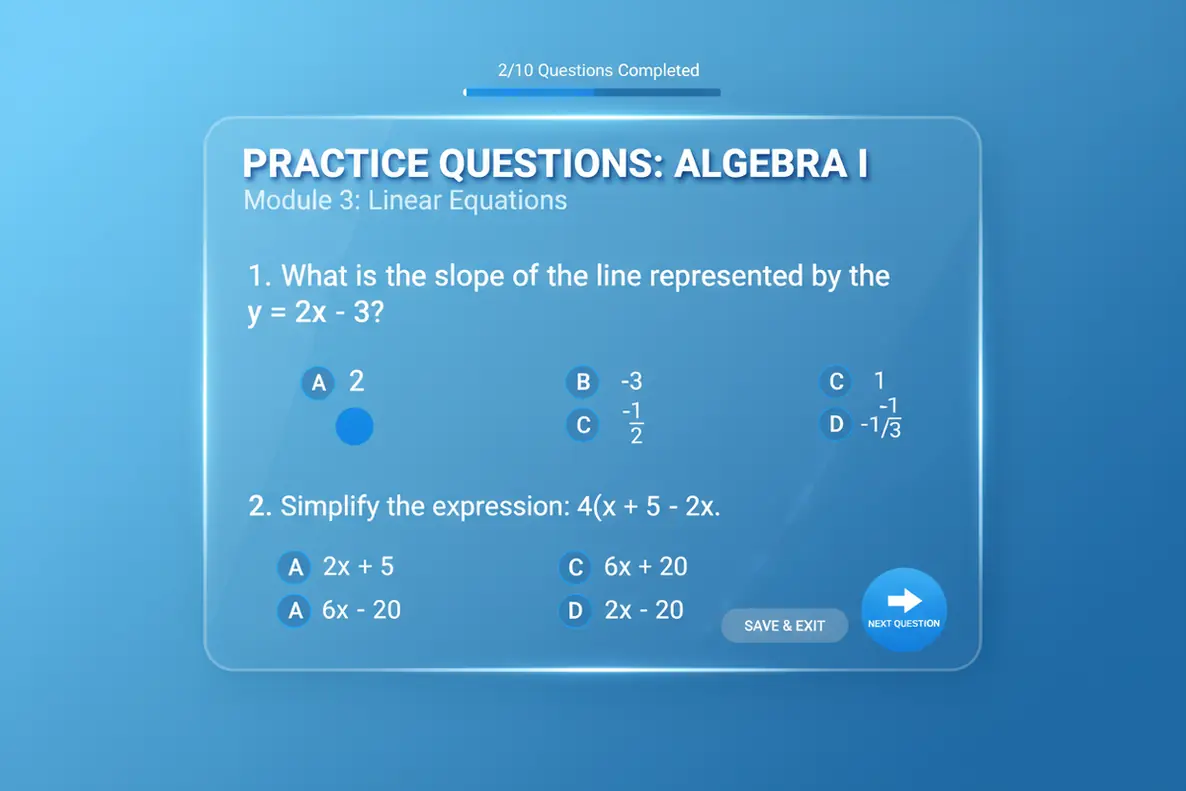
Generate practice questions in three steps.
Provide Your Material
Paste your class notes, textbook content, or lecture summary into the text box. You can also upload an image of your study material, or simply type a topic like "mitosis and meiosis" or "causes of World War II."
AI Creates Questions
The AI question maker analyzes the material, identifies the key concepts and facts, and generates a variety of practice questions. You'll get multiple choice, short answer, and open-ended questions tailored to the content.
Practice and Review
Work through the generated questions to test your understanding. Use the questions to identify gaps in your knowledge and focus your remaining study time on the areas that need the most attention.
Practice Questions for Every Subject and Format
Not every subject tests the same way. History exams lean on essay questions and chronological reasoning. Math tests require problem solving and showing your work. Biology quizzes mix multiple choice with diagram labeling. The AI question generator adapts to the subject and produces questions in the format that matches how you'll actually be tested.
Give it a chapter on cellular respiration and you'll get questions about the stages of glycolysis, the Krebs cycle, and electron transport. Give it a set of notes on the Cold War and you'll get questions about key events, political figures, and cause-and-effect relationships. The question maker understands subject-specific patterns and generates accordingly.

From Quick Review to Deep Comprehension Testing
A simple topic name like "photosynthesis" generates broad review questions covering the basics. Pasting in detailed lecture notes generates targeted questions that drill into the specific details your professor covered. The AI question generator scales its output to match your input — more detail in, more specific questions out.
This means you can use the same tool for different stages of studying. Early in the semester, generate broad questions to build a foundation. Before the exam, paste in your complete notes and generate questions that test the exact material you'll be assessed on. The depth of the questions follows the depth of the material you provide, making it a flexible tool throughout the entire course.
Build a Complete Study Session with AI
Practice questions work best as part of a larger study strategy. Start with the study guide maker to organize your material. Then use the question generator to test yourself on that material. Follow up with the flashcard maker for terms you got wrong, and finish with the quiz generator for a timed practice test.
Each tool in HomeworkO targets a different part of the learning process. Study guides build comprehension. Practice questions test recall. Flashcards reinforce memorization. Quizzes simulate exam conditions. Used together, they create a study session that covers every angle — and all of it takes a fraction of the time it would take to set up manually.
Teachers and Tutors Use It Too
Creating practice questions and worksheets is one of the most time-consuming parts of teaching. The AI question generator helps educators quickly produce question sets for homework, review sessions, and practice tests. Input the lesson topic or paste the content you covered in class, and you get a ready-to-use set of questions within seconds.
Tutors find it especially useful for on-the-spot practice during sessions. Instead of preparing materials in advance for every possible topic, generate relevant questions in real time based on what the student is struggling with. The variety of question types — multiple choice, short answer, open-ended — means you can tailor the difficulty and format to each student's needs.
Identify Knowledge Gaps Before the Exam Finds Them
The worst time to discover you don't understand a topic is during the exam. By then, there's no opportunity to review, ask questions, or practice the material you missed. The AI question generator helps you find those gaps early by testing your knowledge across the full scope of a subject before the pressure hits.
Generate practice questions from each unit or chapter, then work through them honestly without notes. The questions you struggle with reveal exactly where your understanding is weak. Maybe you know the formulas but can't apply them to word problems. Maybe you remember the events but can't explain the connections between them. Maybe you understand the concept but get tripped up by specific terminology. Each type of gap requires a different study approach, and identifying them early gives you time to address them strategically. Students who use this pre-assessment method consistently outperform those who study everything equally, because targeted review is more efficient than blanket review. The question generator acts as a diagnostic tool — it tells you where to focus your limited study time for maximum impact on your exam score.
Using AI Question Generators Responsibly
How NOT to Use AI Tools
- ❌ Assume AI questions match your exam format exactly
- ❌ Skip questions that seem too hard instead of studying them
- ❌ Use only AI-generated questions and ignore course review materials
- ❌ Share generated questions claiming they're from your instructor
- ❌ Rely on AI questions as your sole study method
How to Use AI Tools Effectively
- ✅ Compare AI questions against your course objectives
- ✅ Use difficult questions to identify knowledge gaps
- ✅ Supplement with your professor's practice problems
- ✅ Generate questions across multiple difficulty levels
- ✅ Treat AI questions as additional practice, not the only practice
What Students Are Saying
Frequently Asked Questions
How to Use the AI Question Generator
The most effective study sessions usually ask you to retrieve information, explain ideas, and check your reasoning. An AI question generator supports that process by turning your material into practice prompts that can be used for review, self-testing, or formative assessment.
- Enter a topic, class subject, learning objective, or pasted notes, such as “photosynthesis,” “linear equations,” or “causes of the Civil War.”
- Choose the question format you need, including multiple choice, short answer, true or false, fill in the blank, or open-ended explanation questions.
- Ask for a difficulty level or thinking skill, such as basic recall, application, analysis, or evaluation using Bloom’s taxonomy.
- Answer the questions without looking at your notes first to practice retrieval practice and active recall.
- Review missed questions with step-by-step explanations or worked examples so you understand the reason behind each answer.
- Reuse difficult questions later with spaced repetition to strengthen memory before a quiz, test, or final exam.
Which option fits which need
| Need | Best option |
|---|---|
| Create mixed-format practice questions from a topic, notes, or a study goal | HomeworkO for generating study questions, quizzes, flashcards, and explanations in one workflow |
| Solve photographed math problems and understand the solution path | Photomath for OCR, optical character recognition, handwriting recognition, and visual step-by-step math help; HomeworkO for broader question practice across subjects |
| Check advanced math, science, or symbolic reasoning problems | Wolfram Alpha for computation-heavy answers and symbolic reasoning; HomeworkO for turning concepts into practice questions |
| Review class material with flashcards, textbook-style help, or tutor-supported explanations | Quizlet for flashcards and spaced repetition, Socratic for quick concept lookup, Chegg for textbook support, and HomeworkO for AI-generated practice questions with review support |
Common Mistakes When Using an AI Question Generator
- Only generating easy recall questions and skipping deeper application, analysis, and explanation prompts.
- Reading the answers immediately instead of attempting retrieval practice first.
- Using AI questions as a replacement for class notes, teacher instructions, or assigned readings.
- Assuming every AI-generated answer is correct without checking facts, units, dates, or reasoning.
- Creating too many questions at once, which can raise cognitive load and make studying feel unfocused.
- Ignoring missed questions instead of turning them into flashcards, worked examples, or a second review session.
Limitations to know
- AI can generate unclear, too-easy, too-hard, or occasionally incorrect questions and answers, so students should verify important material.
- Generated questions may not perfectly match your teacher’s test style, grading rubric, or required vocabulary.
- For math and science, AI may make mistakes with notation, units, diagrams, or multi-step reasoning unless checked carefully.
- Some schools limit AI use, so students should follow academic integrity rules and ask whether AI-generated study materials are allowed.
- An AI question generator supports studying, but it cannot replace consistent class participation, problem solving, reading, and feedback from a teacher.
An AI question generator helps students turn notes, topics, and study goals into practice questions for active recall, spaced repetition, and exam preparation. Use it when you need quick review, deeper comprehension checks, or a structured self-quiz, but do not use it to avoid learning the material or to bypass school rules. HomeworkO helps by combining question generation with step-by-step explanations, flashcards, quizzes, and writing support so students can find knowledge gaps before test day.
An AI question generator uses artificial intelligence to create practice questions from a topic or notes. Users provide material and the AI generates relevant questions for study and exam prep.
The AI analyzes your input, identifies key concepts, and creates questions that test understanding. It generates multiple choice, short answer, and open-ended questions.
HomeworkO offers 5 free uses per day with no signup. For unlimited access, the HomeworkO app is on iOS and Android.
The AI creates multiple choice, true/false, short answer, fill-in-the-blank, and open-ended questions. Type depends on subject and topic complexity.
Yes. Paste your notes, textbook excerpts, or study material. The AI reads the content and generates practice questions from key concepts.
It supports all academic subjects including math, science, history, literature, economics, psychology, and computer science.
The AI typically generates 5 to 15 questions per request. Submit follow-up requests for more questions.
Yes. AI-generated questions cover key concepts from your material. Use them for self-testing and finding areas to review.
Questions are accurate for standard topics. Verify against course materials for specialized or advanced subjects.
Yes. Upload images of textbook pages, notes, or lecture slides. The AI reads the content and generates practice questions.