Download AI Homework Helper App
Get unlimited homework help, math solving, essay writing, and study tools on your phone. Free download, no subscription required to start.
HomeworkO is an AI homework helper that provides step-by-step answers, writing support, flashcards, and quizzes for students. This download page explains what the HomeworkO app includes and how students can use it responsibly on iPhone, Android, or the web.
Quick answer: The HomeworkO app gives students a way to scan homework questions, review step-by-step explanations, draft writing, make flashcards, and practice with quizzes from a phone. It is useful when you need portable study help, but you should still check answers, follow your school’s academic integrity rules, and use explanations to learn the process.
What Is the HomeworkO App?
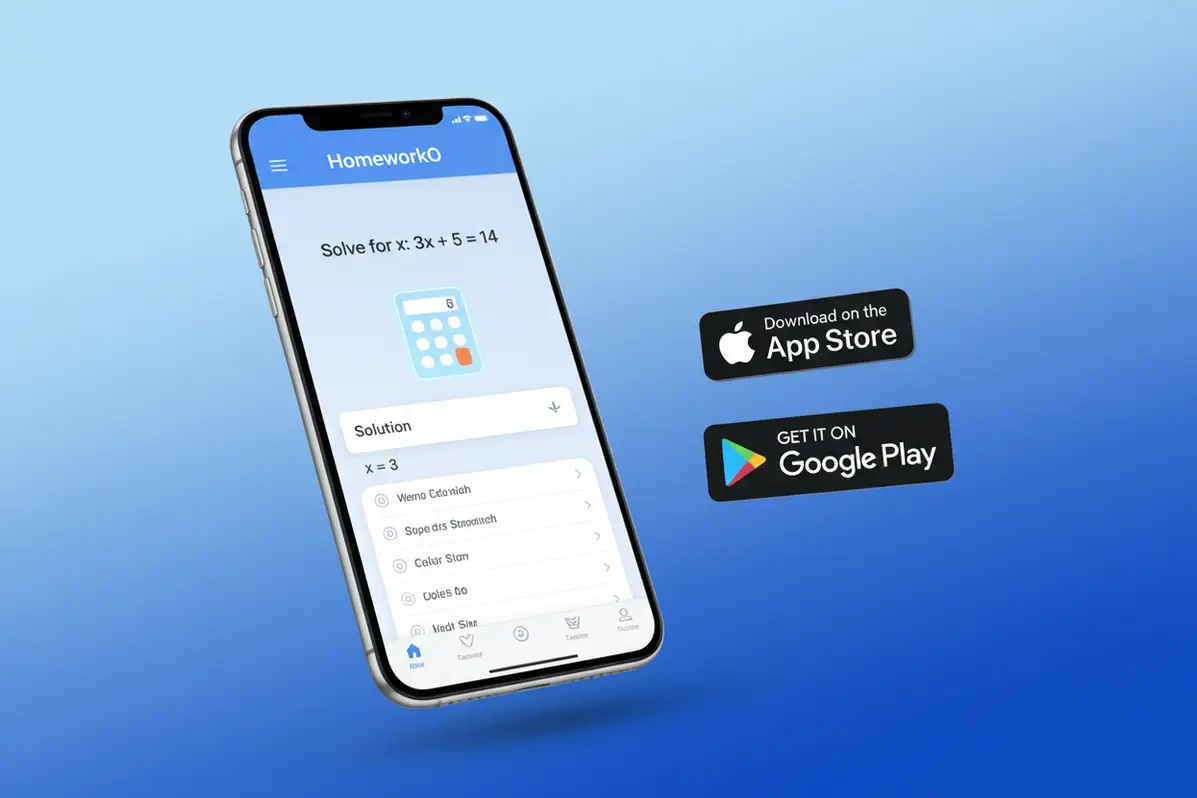
The HomeworkO app is a free mobile application that provides AI-powered homework help across all school subjects. It includes a math solver, photo math scanner, physics solver, chemistry solver, essay writer, quiz generator, flashcard maker, and other study tools. The app is available on iOS and Android devices.
The app uses GPT-4o-mini to analyze questions submitted as text or images and generate step-by-step explanations. It does not require account creation to use basic features. The app provides more daily uses than the web version and includes direct camera integration for photographing homework problems.
Homework Help in Your Pocket
There's a difference between having a tool bookmarked on your laptop and having it right there on your phone when you're sitting in the library at 10 PM. The HomeworkO app puts every solver and study tool one tap away.
Snap a photo of a math problem with your camera. No cropping, no uploading, no switching between apps. The AI reads the problem directly and walks you through the solution. It handles handwritten equations, printed textbook problems, and worksheet questions.
The app also works on the bus, in study hall, or anywhere you have your phone. No laptop required. Same AI, same quality explanations, just faster access.
What the App Includes
Camera Math Solver
Point your phone camera at any math problem — handwritten or printed — and get instant step-by-step solutions. Works with algebra, geometry, calculus, and word problems.
All-Subject Homework Help
Get answers and explanations for math, physics, chemistry, biology, history, literature, and more. Type your question or photograph it.
Essay & Writing Tools
Generate essay outlines, drafts, and get writing feedback. The AI helps with structure, grammar, and argumentation for academic writing assignments.
App Tools for Every Study Need
Flashcard Maker
Generate study flashcards from any topic or notes. The AI creates question-and-answer pairs that help with memorization and active recall for exam preparation.
Quiz Generator
Create practice quizzes with multiple-choice questions on any subject. Test your knowledge before the real exam and identify areas that need more study time.
Study Guide Creator
Turn your notes or a topic into an organized study guide with key concepts, definitions, and review material. Structured for efficient exam preparation.
How to Download and Get Started
Three steps to unlimited homework help.
Download the App
Get the HomeworkO app free from the App Store (iPhone/iPad) or Google Play (Android). No payment information required.
Open and Ask
Open the app, type your homework question or snap a photo of the problem. The AI processes it and generates a solution within seconds.
Learn and Study
Review the step-by-step explanation. Use flashcards, quizzes, and study guides to reinforce what you learned and prepare for exams.
Frequently Asked Questions
What Is the HomeworkO App?
The HomeworkO app is designed to make homework support more accessible when you are away from your desk. Instead of only giving a final answer, a good study app should help you understand the method, reduce cognitive load, and give you chances to practice the skill again.
- Scan or type a problem: Use OCR, also called optical character recognition, to capture printed questions, and check the scan carefully if handwriting recognition is involved.
- Study the steps: Step-by-step explanations and worked examples can help you see why each move is made, especially in math, science, and grammar tasks.
- Ask follow-up questions: If a step is confusing, use the app to break it down into simpler language or to review the prerequisite concept.
- Practice with recall: Flashcards, quizzes, and retrieval practice support active recall, which is more effective than rereading notes passively.
- Review over time: Spaced repetition helps you revisit terms, formulas, and concepts before you forget them.
- Use feedback as formative assessment: Treat app answers like practice feedback, not as a replacement for class instruction, teacher comments, or your own reasoning.
Which option fits which need
| Need | Best option |
|---|---|
| Solving a photographed math problem with a clear explanation | HomeworkO for broad homework support; Photomath is also strong for camera-based math solving |
| Checking advanced math, symbolic reasoning, or computational results | Wolfram Alpha for deep symbolic reasoning; HomeworkO for student-friendly step-by-step explanations |
| Understanding a general homework question from a photo or search-style prompt | HomeworkO for multi-subject help; Socratic is useful for quick concept discovery and related resources |
| Memorizing vocabulary, formulas, dates, or definitions | Quizlet for flashcard sets and review modes; HomeworkO for combining flashcards, quizzes, writing help, and homework explanations |
Common Mistakes When Using a Homework Helper App
- Copying an answer without understanding it: This can hurt learning and may violate academic integrity policies.
- Trusting every AI response: AI tools can misread a problem, skip a condition, or produce a convincing but incorrect explanation.
- Ignoring the original question format: A small change in wording, units, graph labels, or required method can change the answer.
- Using flashcards only for recognition: Seeing a term and thinking it looks familiar is weaker than active recall, where you answer before checking.
- Studying everything at once: Long cram sessions increase cognitive load; spaced repetition and short quizzes usually work better.
- Skipping teacher feedback: App explanations are helpful, but class rubrics, teacher comments, and required solution methods should guide final work.
Limitations to know
- OCR and handwriting recognition can misread symbols, exponents, fractions, or messy writing, so students should verify the scanned question.
- AI-generated math or writing help can contain errors, especially when the prompt is incomplete or the problem requires a specific classroom method.
- Homework apps should not be used to submit work that is meant to measure your independent knowledge.
- Essay support should be used for brainstorming, outlining, revising, and understanding structure, not for turning in unapproved AI-written work.
- Some schools restrict phone or AI tool use, so students should follow teacher instructions and local policy.
The HomeworkO app is a mobile AI homework helper for students who want step-by-step explanations, writing support, flashcards, and quizzes on their phone. Use it when you are stuck, reviewing for a quiz, checking your reasoning, or turning notes into active recall practice. Do not use it to bypass learning, ignore school rules, or submit unapproved AI-generated work. HomeworkO helps most when students treat it as a study guide, compare explanations with class notes, and practice until they can solve similar problems independently.
Yes. The HomeworkO app is free to download on both iOS and Android. The app includes free daily uses of all homework help tools.
The HomeworkO app is available for iPhone (iOS 13.0 and later) and Android devices. It also runs on iPad and Mac with Apple silicon.
The app includes an AI homework helper, math solver, photo math, physics solver, chemistry solver, essay writer, quiz generator, flashcard maker, and other study tools.
Yes. The AI processing runs on cloud servers, so an active internet connection is required to use the homework help tools.
The app does not collect personal data and is designed for educational use. It is rated for ages 18+ on the App Store due to the AI content generation capability.
The app provides the same AI tools as the website with unlimited daily uses. The website offers 5 free uses per day. The app also allows camera-based photo math directly from the device.
The app does not include built-in parental monitoring. Parents can use standard iOS Screen Time or Android Digital Wellbeing features to manage usage.
No. All AI processing requires an internet connection. The app does not store answers or function offline.